

AI Agents Can Now Deploy Your Apps on Deployment.io
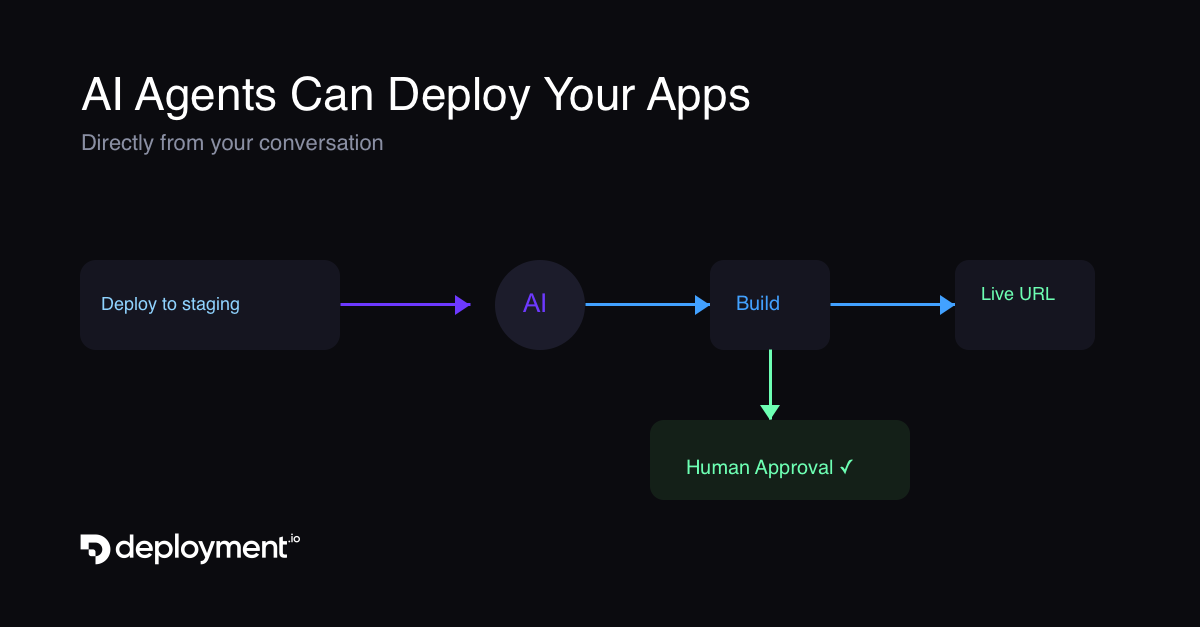
Something shifted in the developer workflow recently. AI coding agents went from suggesting code to writing entire features. But when it came time to deploy, the workflow broke. You'd switch to a dashboard, click through forms, wait, and context-switch back. The agent couldn't help you with the last mile.
That changes today.
Deploy from Your Conversation
Deployment.io now has a native MCP (Model Context Protocol) server. Connect your AI agent once, and it can deploy your apps directly from the conversation.
Here's what it looks like:
"Deploy my React app to staging."
The agent detects your repository, branch, build command, and output directory from the local project. It calls the Deployment.io API, starts the build, polls for completion, and reports back with a live URL. No context switching. No dashboards.
This works with Claude Code, Claude Desktop, Cursor, OpenAI Codex, Gemini CLI, Windsurf, Antigravity, and any MCP-compatible agent.
The Safety Model
Giving an AI agent the ability to deploy code is powerful. It's also something you want guardrails around.
Here's how we built it:
Staging and development environments auto-approve. When your agent deploys to staging, it just works. No friction. Fast iteration cycles.
Production requires human approval. When the agent targets production, Deployment.io pauses the execution and creates an approval request. The agent writes a summary of what is being deployed and why. A team member reviews it in the dashboard, inspects the commit on GitHub, and approves or rejects.
Every action has an audit trail. You can see which agent deployed what, when, and who approved it.
Granular Permissions
When you connect an agent via OAuth, the consent screen lets you choose exactly what access to grant.
Read scopes (viewing environments, jobs, and deployments) are included by default. Write scopes (creating deployments, managing environments) are shown as optional checkboxes you can deselect. Full access starts unchecked.
You're in control of what the agent can and can't do.
How It Works Under the Hood
The deploy tool does more than fire an API call. It handles the full lifecycle:
-
Auto-detection - The agent reads your project's
package.json,vite.config,next.config, or similar to detect the build command and output directory. If you're deploying a different branch, it reads the config from that branch usinggit show. -
Repository matching - The tool normalizes your Git remote URL and matches it against your connected GitHub, GitLab, or Bitbucket installations. If the repo isn't accessible, it tells you exactly how to fix it.
-
Smart redeploys - If a deployment already exists for the same repo, branch, and environment, the tool triggers a redeploy with the updated build config. No duplicates.
-
Async with polling - Builds run asynchronously. The agent polls for status and reports progress, so you're never left wondering if it worked.
Getting Started
Connect your agent in under a minute:
Claude Code:
claude mcp add deployment-io --transport http https://api.deployment.io/v1/mcp
Cursor: Go to Settings > Tools & MCP > Add Custom MCP, and enter the URL https://api.deployment.io/v1/mcp.
Other agents: Check our MCP configuration docs for setup instructions for Codex, Gemini CLI, Windsurf, and Antigravity.
Once connected, just tell your agent what to deploy.
This Is Just the Start
Static sites are the beginning. We're building more superpowers for your coding agents: web services, databases, and beyond. The goal is simple: your AI agent should be able to ship anything you can ship from the dashboard, with the right safety controls in place.