# Getting Alerts on Slack
---
You can easily connect your Slack workspace to get alerts for any updates to your deployment.
### Steps
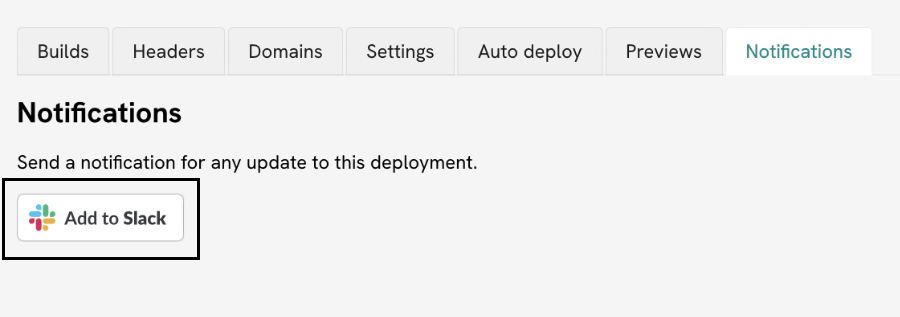
1. Connect your Slack workspace.
On the deployment page, add our Slack app to your workspace under the
Notifications
tab.
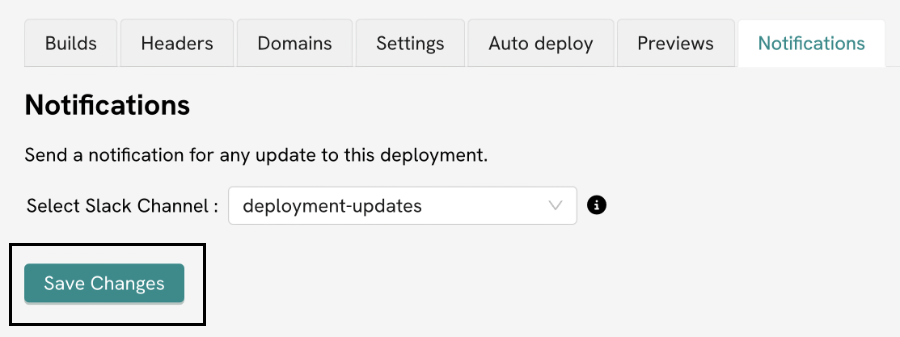
2. Select Channel.
Once your Slack workspace is connected, you can select the channel on which you
want to receive the updates for that deployment.
You can setup different channels for different deployments.
For example, the critical production deployments can use a different channel from test deployments.
 ---
Source: https://deployment.io/docs/dashboard/getting-alerts-on-slack/
---
Source: https://deployment.io/docs/dashboard/getting-alerts-on-slack/